When to Replace Your Company Laptops: A Refresh Cycle Guide for Philippine SMEs
Reactive laptop replacement is one of the most expensive IT habits a Philippine SME can have. When a unit fails without a replacement on hand, the cycle goes like this: staff member loses a day of productivity, IT scrambles to source a unit from a retailer at retail price, data recovery is attempted from a failing drive, and a new device arrives without proper configuration or endpoint management enrollment. Multiply this by five or ten incidents per year across a 30-person fleet and the cost — in labour, downtime, and rushed procurement premiums — significantly exceeds what a structured refresh programme would have cost.
A planned refresh cycle fixes all of this. You buy in bulk at better pricing, you deploy properly configured devices, and you retire old hardware on your schedule — not when it forces your hand.
The Standard Refresh Cycle
The IT industry standard for knowledge worker laptops is 3 to 4 years, with 5 years as the absolute maximum before security and performance risks outweigh the cost savings of deferring replacement.
The reasoning is practical:
Battery degradation: Most laptop batteries reach 60–70% of original capacity after 2–3 years of daily charge cycles. At 4 years, a device that originally ran 8 hours typically runs 4–5 hours. Staff on hybrid or remote work start tethering to power constantly — defeating the purpose of a laptop.
Performance degradation: Thermal paste dries, fans accumulate dust, and storage performance degrades as SSDs age and fill. A 4-year-old laptop running modern productivity software (Teams, browser with 20 tabs, cloud sync, endpoint protection) is noticeably slower than it was new.
Security and compliance baselines: Modern endpoint management platforms — including Microsoft Intune — set compliance policies that older hardware cannot meet. A device without TPM 2.0 cannot be enrolled in Intune compliance policies, cannot use Windows Hello for Business, and cannot receive certain conditional access grants.
| Fleet age | Recommended action |
|---|---|
| 0–3 years | Maintain; ensure software and firmware updates are current |
| 3–4 years | Begin planning replacement; prioritise units with battery or hardware issues |
| 4–5 years | Replace; assess on a unit-by-unit basis for business-critical roles |
| 5+ years | Replace immediately; security and compliance risk outweighs cost savings |
Windows 10 End of Life: The 2026 Driver
Microsoft ended support for Windows 10 in October 2025. As of mid-2026, any device still running Windows 10 is receiving no security patches. This is not a theoretical risk — unpatched Windows systems are the primary entry point for ransomware in Philippine SMEs.
The upgrade path to Windows 11 requires TPM 2.0 (Trusted Platform Module), a hardware security chip. Many laptops purchased between 2017 and 2019 do not have TPM 2.0. These devices cannot run Windows 11, cannot be patched against current threats, and must be replaced.
How to check TPM 2.0 on a Windows device:
- Press
Win + R, typetpm.msc, press Enter - If TPM Management opens and shows "TPM Manufacturer Information" with Specification Version 2.0 — the device can run Windows 11
- If it shows version 1.2, or "Compatible TPM cannot be found" — the device cannot run Windows 11
Any device in your fleet failing this check should be at the top of your refresh list.
Signs a Laptop Needs Replacement
| Symptom | Implication |
|---|---|
| Battery holds less than 2 hours | Productivity impact; staff tethered to outlets |
| RAM below 8GB and not upgradeable | Cannot run modern Teams + browser + security agent simultaneously |
| No TPM 2.0 | Cannot upgrade to Windows 11; cannot meet Intune compliance baseline |
| SSD showing SMART errors | Imminent drive failure; data loss risk |
| Manufacturer support and driver updates ended | Security vulnerabilities cannot be patched |
| Physical damage to screen, keyboard, or ports | Productivity impact; further damage risk |
Any device with two or more of these symptoms should be replaced in the current budget cycle, not deferred.
Apple vs Windows Fleet Decision
Both are valid choices for Philippine SMEs. The decision should be made by role and workflow, not preference alone.
MacBook makes sense when:
- Users are in design, creative, or video production roles (macOS and the M-series chip have a strong advantage in media workflows)
- Developers prefer macOS tooling (common in software teams)
- Executives want a premium device with a longer useful life (MacBook Pro M-series laptops realistically run 5–6 years)
- The organisation is standardising on iCloud for personal storage alongside Microsoft 365
Windows makes sense when:
- Staff use Windows-only ERP, accounting, or government compliance software (BIR eFPS, GSIS systems, many Philippine-specific platforms run on Windows only)
- BPO operations require Windows-standardised tooling and remote desktop environments
- Fleet size is 20+ units and IT management via Microsoft Intune is a priority (Windows device management is more mature in Intune)
- Budget is the primary constraint — comparable-spec Windows laptops cost 30–50% less than MacBooks
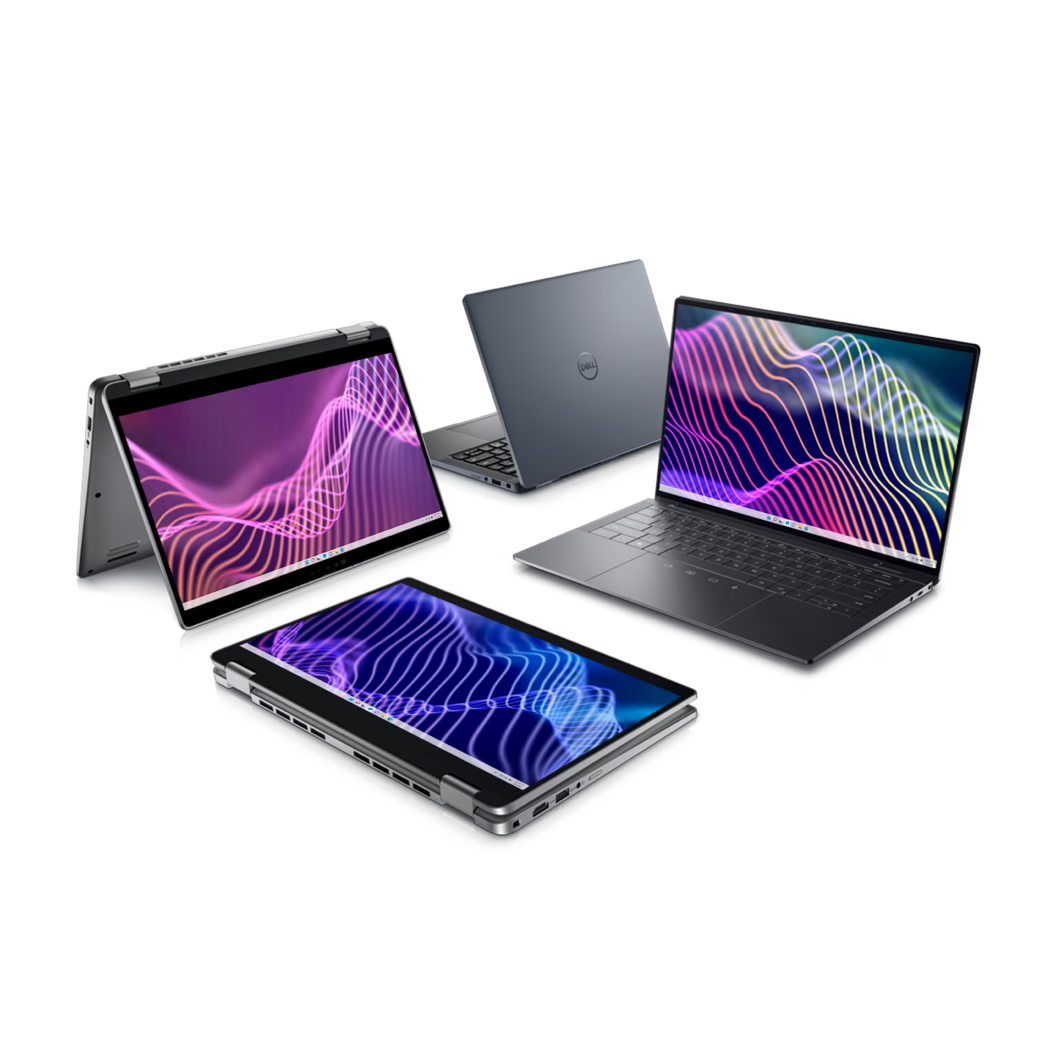
Technica Solutions Inc. carries Dell, HP, Lenovo, and Apple. For mixed fleets, the guidance is simple: standardise within teams. A design team on MacBooks and an accounting team on Dell Latitudes is manageable. Alternating MacBooks and Windows devices within the same team creates unnecessary IT overhead.
Total Cost of Ownership
Purchase price is the wrong metric for evaluating laptop costs. Total cost of ownership (TCO) over a 4–5 year period includes:
| Cost element | Reactive replacement | Planned refresh |
|---|---|---|
| Hardware purchase | Retail price, rushed | Volume procurement pricing |
| IT setup time per device | 2–4 hours (reactive, unplanned) | 1–2 hours (pre-configured image) |
| Downtime per incident | 1–2 days | Minimal (pre-staged replacement) |
| Battery replacement | ₱3,000–₱8,000 at year 3–4 | Avoided (replaced before battery fails) |
| Data recovery costs | ₱5,000–₱30,000 if drive fails | Avoided (proactive backup and replacement) |
| Security incident risk | High (aging, unpatched devices) | Low (current OS, compliant fleet) |
A ₱80,000 MacBook Pro M-series that runs cleanly for 5 years, requires minimal IT intervention, and never needs a battery replacement has a lower TCO than three successive ₱25,000 Windows units purchased reactively over the same period — when IT support labour, downtime, and incident costs are included.
The business case for a proper refresh programme is not difficult to make. The numbers typically favour it within the first two refresh cycles.
Planning a Phased Refresh
For a 30-person fleet, replacing all devices in a single year is a significant capital outlay. A phased approach spreads cost and risk:
Year 1: Replace all devices 4 years old or older (priority: TPM 2.0 failures first, then battery failures, then age). Typical target: 30–40% of fleet.
Year 2: Replace devices entering their 4th year. Target: 30% of fleet.
Year 3: Replace remaining devices approaching 3–4 years. Target: 30–40% of fleet.
By Year 4, the cycle restarts with Year 1 devices now 3 years old. The fleet never ages past 3–4 years on average, and no single year requires replacing the full fleet.
Prioritisation within each year:
- Devices with hardware failures or TPM 2.0 issues — replace first
- Devices used by revenue-critical roles (sales, finance, operations) — replace before support roles
- Devices in poor physical condition — replace before cosmetically intact but aged units
What to Specify in 2026
Minimum specification for any knowledge worker laptop purchased today:
| Specification | Minimum (2026) | Notes |
|---|---|---|
| RAM | 16GB | 8GB is no longer adequate for Teams + browser + security agent + cloud sync |
| Storage | 512GB SSD (NVMe) | 256GB fills within 18 months for typical users |
| Security chip | TPM 2.0 | Required for Windows 11 and Intune compliance |
| Connectivity | USB-C (with charging) | For display and dock compatibility |
| Battery life | 8 hours rated | Expect 5–6 hours in real use; do not buy below this |
| Display | 1080p minimum; 1440p preferred | Higher resolution reduces eye strain in hybrid work |
For Windows devices: Dell Latitude 5000/7000 series, Lenovo ThinkPad E or T series, HP EliteBook. For Apple: MacBook Air M3 (14-inch) for standard knowledge workers; MacBook Pro M4 for power users.
Technica Solutions Inc. assists Philippine businesses with fleet procurement, device configuration, and Microsoft Intune enrollment for Windows and macOS devices. For organisations planning a refresh in 2026, we can assess your current fleet, identify replacement priorities, and stage procurement across your preferred timeline.
Related reading: Business laptop buyer's guide Philippines · Lenovo ThinkPad vs Dell Latitude Philippines · Microsoft Intune endpoint management Philippines · MDM for Philippine businesses
Talk to our I.T. Hardware team →