AI PC vs Regular Laptop: Do Philippine SMEs Actually Need an NPU in 2026?
Walk into any PC store or browse Lazada's laptop section in 2026 and you will see one phrase on nearly every product listing: "AI PC." Intel has its Intel AI PC programme. AMD has its Ryzen AI branding. Qualcomm has Snapdragon X with Hexagon NPU. Microsoft has its Copilot+ certification. Every OEM is using the term.
For Philippine SME owners and IT managers deciding what laptops to buy, "AI PC" creates more confusion than clarity. What does the NPU actually do? Which AI features require it? And is it worth paying more for?
Here are the honest answers.
What Is an NPU?
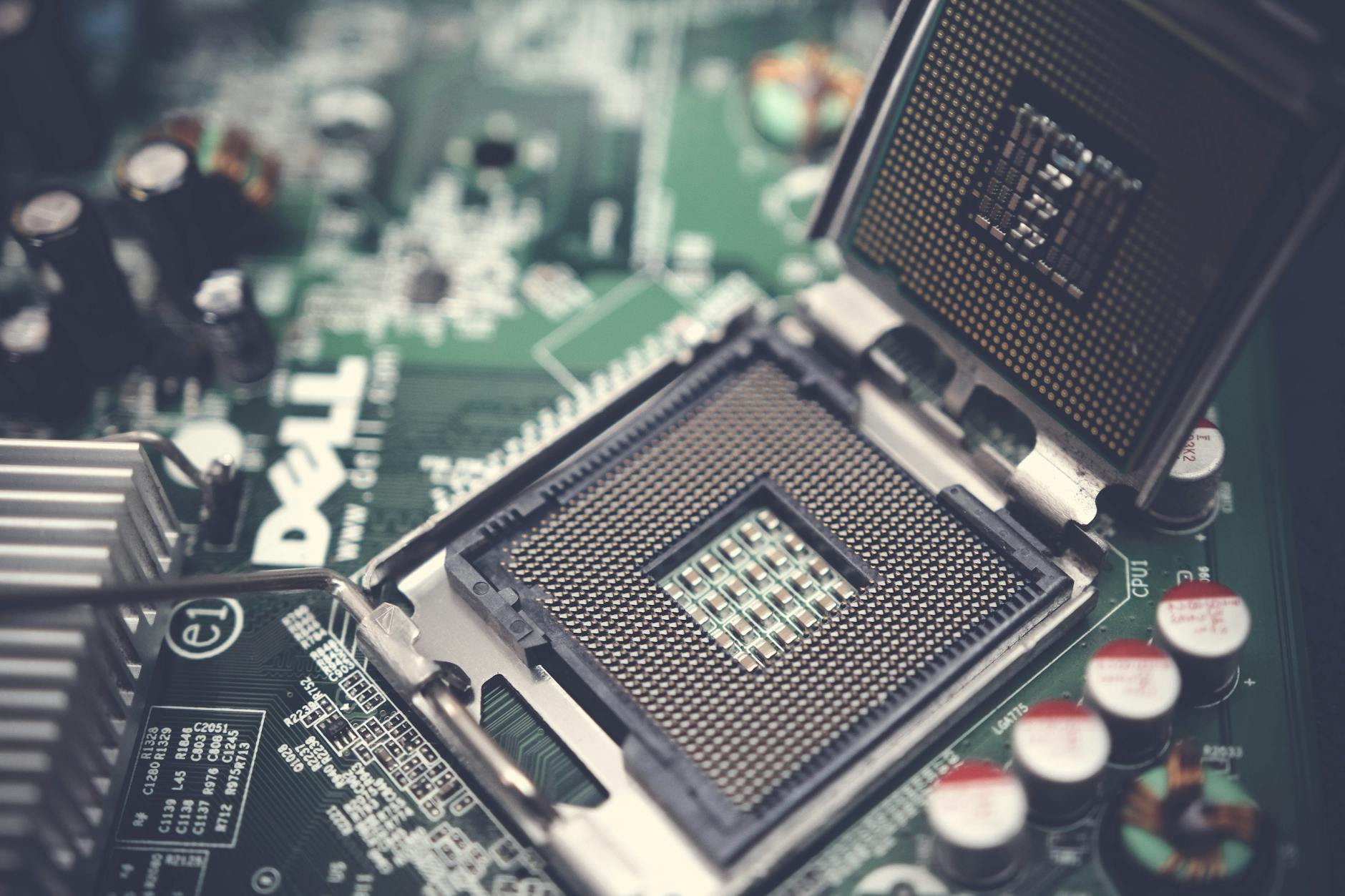
NPU stands for Neural Processing Unit. It is a specialised processor core designed to run AI inference workloads efficiently — specifically the kind of matrix multiplication operations that neural networks require.
Your laptop already has a CPU (general-purpose processing) and usually an integrated or discrete GPU (graphics and parallel compute). The NPU is a third type of processor, purpose-built for one category of task: running AI models locally on the device.
The key word is locally. When you use ChatGPT, Claude, or Google Gemini through a browser, the AI model runs on cloud servers — your laptop hardware does not matter at all for that. The NPU matters only for AI features that run on the device itself, without a cloud connection.
This distinction is important because most AI tools Philippine SMEs are actually using — ChatGPT, Microsoft Copilot in Teams and Word, Google Gemini in Workspace — are entirely cloud-based and gain zero performance benefit from an NPU.
What the NPU Actually Powers in 2026
The concrete list of NPU-dependent features on Windows AI PCs in 2026 is shorter than the marketing implies:
Windows Studio Effects
- Background blur on video calls (without GPU load)
- Eye contact correction (AI-generated gaze correction so you appear to look at the camera)
- Portrait light (virtual lighting adjustment)
- Voice clarity (background noise suppression)
These run on the NPU during video calls and do so without taxing the CPU or GPU. The result is better video call quality with no perceptible performance impact on other tasks running simultaneously. On a non-NPU laptop, background blur runs on the GPU, which can cause frame rate drops if you are also sharing a screen or running a heavy application.
Windows Recall (Copilot+ only, 40+ TOPS NPU required) Microsoft's AI-powered screen history and semantic search — it takes periodic snapshots of your screen and lets you search them in natural language ("find that spreadsheet with the quarterly numbers from last week"). Requires the full Copilot+ NPU threshold. Opt-in as of 2026.
Live Captions with On-Device Translation Real-time subtitles for any audio on the device, with translation to English from 40+ languages, running locally. Useful in multilingual Philippine business environments where meetings mix Tagalog, English, and regional languages.
Adobe Lightroom / Premiere AI features Adobe's AI-accelerated tools (Denoise, Object Select, Generative Remove) increasingly offload to NPU on supported hardware. If your team does photo or video editing, NPU acceleration is meaningful.
Stable Diffusion and local LLM inference Running AI image generation or small language models entirely offline requires an NPU (or a discrete GPU). This is relevant for technically sophisticated users who want to experiment with local models, not for typical SME business users.
What the NPU Does Not Help With
- Microsoft 365 Copilot in Word, Excel, Teams, Outlook — entirely cloud-based, NPU irrelevant
- ChatGPT, Claude, Gemini in the browser — cloud-based, NPU irrelevant
- Google Workspace AI features (Duet AI / Gemini) — cloud-based, NPU irrelevant
- Accounting software, ERP, business applications — standard CPU/RAM-bound, NPU irrelevant
- General browser performance — CPU/RAM bound
- Excel, Word, PowerPoint — CPU/RAM bound
If your team's primary AI interaction is through web-based tools and Microsoft 365 cloud features, the NPU delivers nothing for those workflows.
The Honest Breakdown: Who Benefits from an NPU Today
High benefit:
- Video call-heavy roles (sales, account management, remote teams) — Studio Effects on NPU improve call quality without performance penalties
- Creatives using Adobe tools — NPU acceleration for AI-powered editing is real and noticeable
- IT and power users experimenting with local AI models and offline inference
- Knowledge workers who want Windows Recall for personal information retrieval
Moderate benefit:
- Any role with frequent video calls who also runs heavy applications simultaneously
- Multilingual teams who would use live caption and translation features
Minimal benefit for current tools:
- Finance teams using cloud accounting (Xero, QuickBooks Online, SAP cloud)
- BPO agents running web-based CRM and communication tools
- Office staff primarily in Microsoft 365 web apps
- Any role where AI use is entirely through cloud-based tools
Does the Copilot+ Certification Threshold (40 TOPS) Matter?
Microsoft's Copilot+ certification requires 40 TOPS of NPU performance. Below that threshold, you still have an NPU — it just cannot run the full Copilot+ feature set (Recall requires the higher threshold specifically).
Intel Core Ultra 100 series (Meteor Lake, 2023–2024) laptops have NPUs at roughly 10–11 TOPS — enough for Studio Effects but not Copilot+ certified. Intel Core Ultra 200 series (Lunar Lake, late 2024 onwards) reach 48 TOPS and meet the Copilot+ threshold.
For Philippine SME buyers, the practical question is: do you need Recall specifically? If yes, require Copilot+ certification. If Studio Effects and general NPU acceleration are sufficient, an Intel Core Ultra 100 series with 11 TOPS NPU is adequate and available at lower price points.
The RAM Question Is More Important Than the NPU for Most SMEs
Copilot+ PCs require 16GB RAM as a minimum. This is arguably the more meaningful upgrade for Philippine SME users.
In 2024–2025, many business laptops shipped with 8GB RAM, which became the bottleneck as Microsoft Teams, Chrome with multiple tabs, Office applications, and background security agents all competed for memory. With Microsoft 365 Copilot features, AI-powered browser extensions, and increasingly memory-hungry applications, 8GB is genuinely constraining for business users in 2026.
16GB is the right minimum for any new business laptop purchase in 2026, regardless of whether you specifically need NPU features. The Copilot+ baseline happens to enforce this — which makes Copilot+ certified devices a sensible default for new purchases even if you never use Recall.
What Philippine SMEs Should Actually Do
If you are buying 1–10 laptops for your team:
- Buy a Copilot+ certified device (Intel Core Ultra 200 series preferred for enterprise software compatibility — see our Copilot+ PC enterprise guide)
- The 16GB RAM floor alone justifies the modest premium over 8GB non-NPU alternatives
- You will use Studio Effects on video calls from day one; other NPU features will become more useful as the ecosystem matures
If you are refreshing a fleet of 50+ devices:
- Do not base the refresh solely on NPU/AI PC features — the ROI is not there yet for most SME workflows
- Use the refresh to enforce 16GB RAM as your new baseline
- Consider a mixed deployment: Copilot+ for knowledge workers and video call-heavy roles, standard Intel Core i5/i7 for task workers with simpler application footprints
If your current laptops are less than 2 years old:
- Do not refresh early for NPU features alone
- The AI PC feature set will be more compelling in 12–18 months as Windows AI capabilities mature and local model inference becomes more common in business tools
The Bottom Line
The NPU in an AI PC delivers real, tangible benefits for video call quality, creative applications, and local AI inference. For the cloud-based AI tools that most Philippine SMEs use daily, it delivers nothing — those tools run on server infrastructure regardless of your laptop hardware.
The strongest argument for Copilot+ in 2026 is not the NPU specifically — it is that the certification enforces a 16GB RAM minimum, a newer processor generation, and a hardware baseline that is future-proofed for the next 4–5 years of increasingly AI-integrated operating systems and applications.
Buy it for the platform. The AI features will grow into it.
How Technica Can Help
Technica Solutions Inc. supplies HP, Dell, and Lenovo business laptops and can help your IT team select the right hardware tier for each role in your organisation — balancing NPU capabilities, ARM vs. x86 considerations, and total cost of ownership over your refresh cycle.
Talk to our Cloud & I.T. team