Solar + UPS for Philippine Offices: How to Combine Solar Power with Battery Backup Correctly
Philippine electricity rates are among the highest in Southeast Asia — consistently above ₱10/kWh for commercial consumers in many distribution utility service areas. Rooftop solar installations have become economically attractive for Philippine offices and SMEs at current rates. But solar power alone does not solve the brownout problem: a grid-tied solar system without battery storage provides no power during a grid outage, and an office UPS without solar integration does not address electricity cost.
Combining both correctly — solar generation with UPS protection for critical loads — is achievable for Philippine office environments, but the architecture matters. The wrong combination wastes investment; the right combination provides both brownout protection and meaningful electricity cost reduction.
Understanding the Two Different Problems
Before combining solutions, be clear about which problem each component solves:
Solar addresses electricity cost. A rooftop solar installation generates electricity during daylight hours, reducing the amount purchased from the grid. Payback periods in the Philippines at current electricity rates typically range from 4–7 years for commercial installations, with 25-year panel warranties. For a breakdown of how Philippine electricity costs are structured and what you can actually reduce, see How to Read a Philippine Commercial Power Bill.
UPS addresses power continuity. A UPS provides immediate, zero-transfer-time power to protected loads during grid failures. Standard office UPS units provide 5–30 minutes of runtime; Long Run variants extend this to 30–120 minutes.
These are separate problems that require compatible but distinct solutions. A common mistake is assuming that solar panels automatically provide power during a brownout — they do not in a standard grid-tied configuration.
Grid-Tied Solar Without Battery: The Limitation
A standard grid-tied solar system consists of solar panels → grid-tied inverter → distribution board. The inverter converts DC from the panels to AC and exports it to the grid or consumes it on-site.
During a brownout: The grid-tied inverter detects grid loss and shuts down within seconds. This is a safety requirement (to prevent backfeeding live power onto a dead grid while technicians work on it). Result: even with solar panels on the roof and sunlight available, the office has no power.
A grid-tied solar installation without UPS provides zero brownout protection. The office needs a separate UPS for IT equipment regardless of whether solar is installed.
Hybrid Inverter Systems: The Correct Architecture
A hybrid solar inverter system adds a battery storage layer:
Solar panels → Hybrid inverter → Battery bank → Critical loads / distribution board
The hybrid inverter manages three power sources simultaneously: solar generation, battery storage, and grid input. The battery bank charges from solar during the day and from the grid during off-peak hours (if configured). During a grid outage, the hybrid inverter switches automatically to battery power — with zero transfer time for loads on the critical circuit.
For Philippine offices, the recommended architecture:
- Hybrid inverter — manages solar + battery + grid (Growatt, Huawei SUN2000, SolarEdge, Victron Energy are common brands in the Philippine market)
- Lithium iron phosphate (LFP) battery bank — preferred over lead-acid for cycle life (3,000–6,000 cycles vs 300–500), depth of discharge (80–90% vs 50%), and maintenance requirements
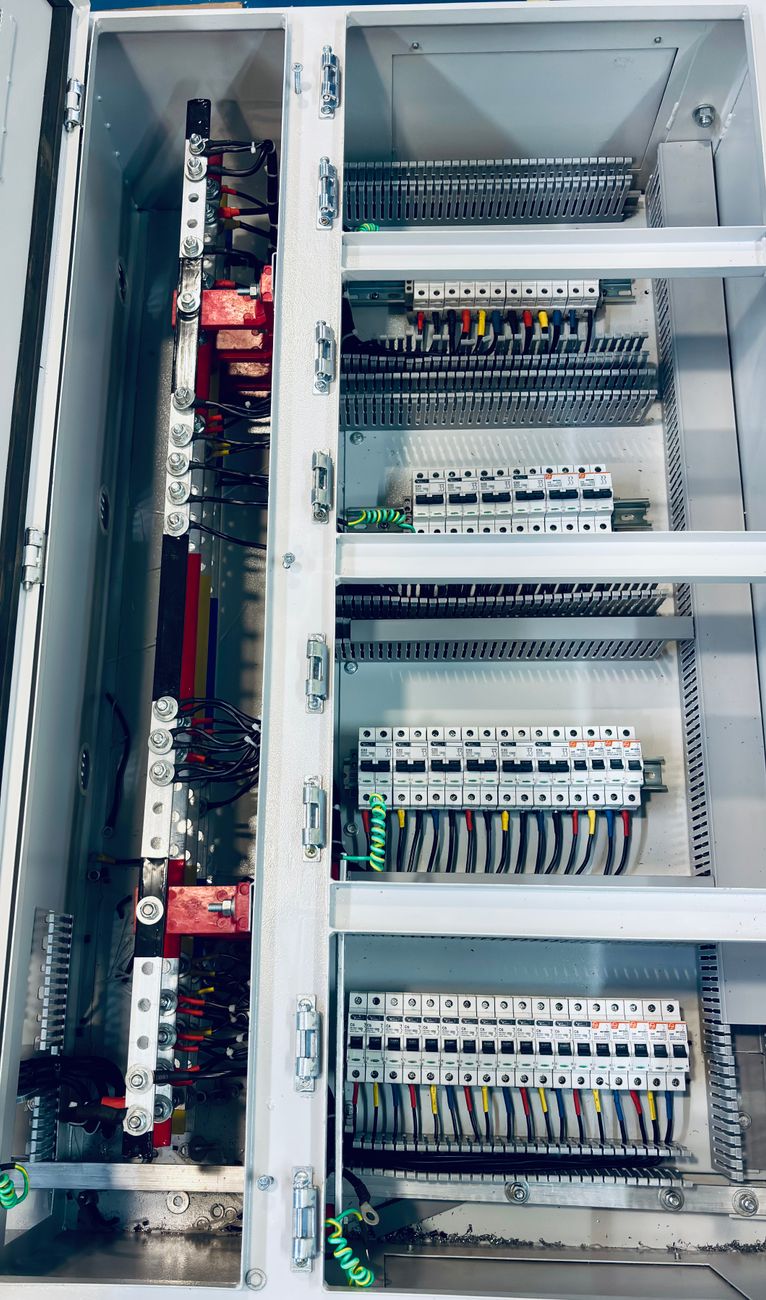
- Critical load panel — a separate distribution panel for IT, lighting, and essential office equipment that is backed by the hybrid inverter
- Non-critical load panel — general office loads (air conditioning, kitchen appliances) on grid-only supply
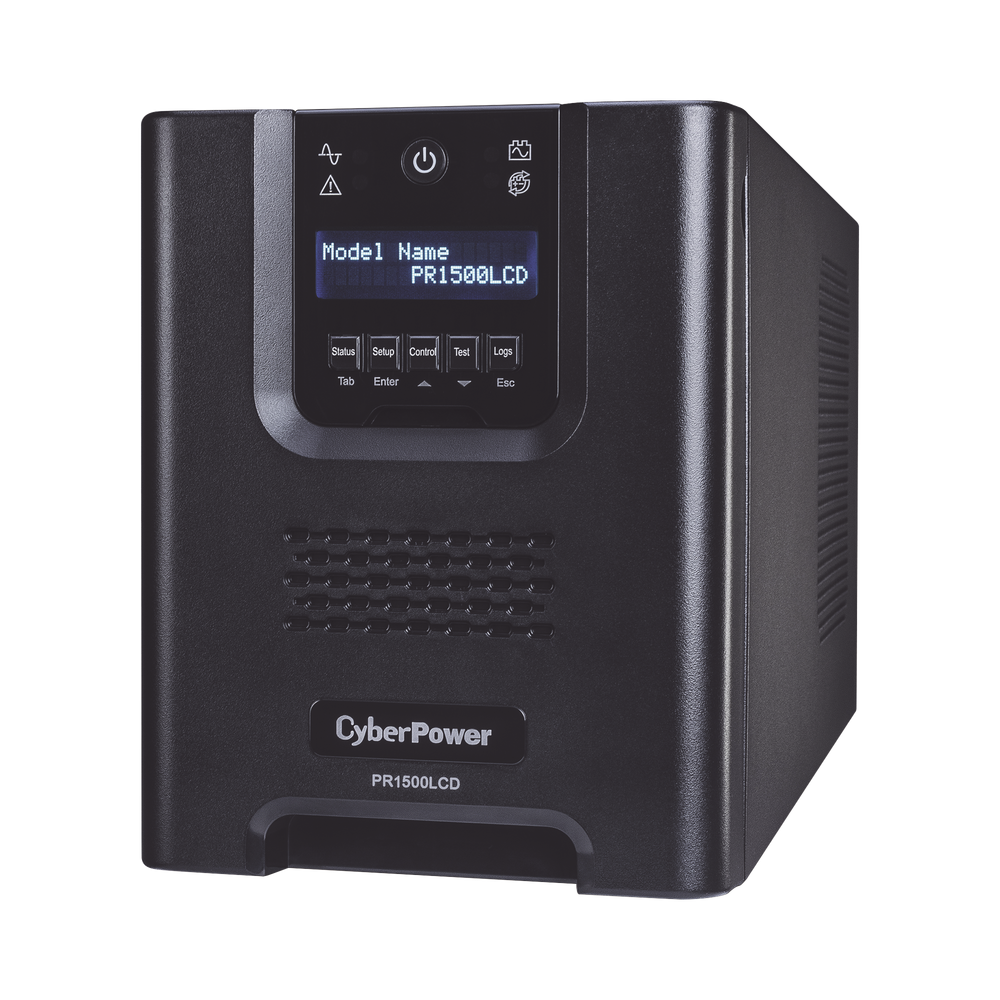
- UPS for server room / critical IT — online double-conversion UPS between the critical load panel and the server/IT equipment, for clean power conditioning and surge protection
The online double-conversion UPS remains necessary even with a hybrid solar system — it provides surge isolation, clean power conditioning, and the final layer of runtime protection if the battery system is depleted. For a full breakdown of UPS types and when online double-conversion is required, see Offline, Line-Interactive, or Online: Choosing the Right UPS Type.
Sizing a Philippine Office Solar + UPS System
Step 1 — Identify Critical vs Non-Critical Loads
Critical loads (must run during brownout):
- Server room (servers, NAS, switches, IP PBX)
- Workstations for essential staff (typically 30–50% of total)
- Networking equipment
- Security systems (CCTV, access control)
- Selected lighting circuits
Non-critical loads:
- Air conditioning (high-draw, usually excluded from battery backup unless very large battery bank)
- Kitchen equipment
- Non-essential workstations and monitors
Philippine office rule of thumb: air conditioning accounts for 40–60% of total office electricity consumption. Excluding it from battery backup dramatically reduces battery bank size requirements.
Step 2 — Calculate Critical Load Power Draw
Sum the wattage of all critical loads:
- Each workstation: 150–300W
- Each rack server: 300–700W
- Network switch (enterprise): 100–300W
- IP PBX: 50–150W
- Lighting (LED): 10–20W per circuit
Step 3 — Determine Battery Capacity for Target Runtime
Battery capacity (kWh) = Critical load (kW) × Target runtime (hours) ÷ Usable depth of discharge
For LFP batteries (90% usable):
- 5 kW critical load × 4 hours runtime ÷ 0.9 = 22 kWh battery bank
- 3 kW critical load × 2 hours runtime ÷ 0.9 = 6.7 kWh battery bank
For a standard Philippine office server room at 3–5 kW critical load with 2–4 hour target runtime, a 10–25 kWh LFP battery bank is the typical specification.
Step 4 — Size the Solar Array
Solar array sizing depends on daily electricity generation target and available roof space:
A 10 kWp solar array in Metro Manila generates approximately 40–45 kWh per day on average (allowing for cloud cover and losses). This covers significant daytime electricity consumption and recharges the battery bank for night / brownout use.
Philippine roof space constraints are common — rooftop area limits the solar array size regardless of energy requirements. Work with a solar installer to assess available area before sizing.
Regulatory and MERALCO/Distribution Utility Requirements
Net Metering
Philippine law (RA 9513, Renewable Energy Act) requires distribution utilities to offer net metering for solar installations up to 100 kWp. Under net metering, excess solar generation exported to the grid credits the electricity bill.
Process: apply to your distribution utility (MERALCO, Cebu Electric, VECO, etc.) for net metering approval before commissioning. This requires system inspection and approved bidirectional meter installation.
Approval timelines: MERALCO net metering applications typically take 3–6 months. Plan accordingly.
Distribution Utility Technical Requirements
Distribution utilities have technical requirements for grid-connected solar systems — inverter specifications, anti-islanding protection, protection relay settings. Work with an installer accredited by your distribution utility to ensure compliance.
What This Costs for a Philippine SME Office
Indicative pricing (June 2026, Metro Manila market):
| Component | Indicative Cost |
|---|---|
| 5 kWp grid-tied solar system | ₱250,000–350,000 |
| 10 kWp grid-tied solar system | ₱450,000–600,000 |
| Hybrid inverter upgrade (add-on to grid-tied) | ₱80,000–150,000 |
| 10 kWh LFP battery bank | ₱150,000–250,000 |
| UPS (online double-conversion, 6 kVA) | ₱45,000–80,000 |
| Full 10 kWp hybrid + 15 kWh battery + UPS | ₱750,000–1,100,000 |
Payback periods depend on current electricity cost and brownout frequency. For Metro Manila commercial consumers at ₱12–14/kWh, a 10 kWp solar system pays back in approximately 5–6 years. The battery and hybrid inverter component is harder to justify purely on electricity cost — its value is the brownout protection and operational continuity.
If you are evaluating UPS and power protection for a Philippine office — with or without solar integration — get in touch.
Related reading: How to Read a Philippine Commercial Power Bill · UPS for Retail POS with Solar · Choosing the Right UPS Type for Philippine Offices
Talk to our Power Systems team →