Sizing a UPS for Your Office or Data Centre

A UPS (Uninterruptible Power Supply) is your last line of defence against unexpected outages, voltage spikes, and equipment damage. Yet most businesses either under-size theirs — leaving critical equipment unprotected — or over-size it, spending more than necessary.
This guide walks you through the sizing process step by step.
Step 1 — List Every Device You Need to Protect
Start with a complete load inventory. For each device, find the wattage on the nameplate or spec sheet. If it's listed in amps, multiply by your local voltage (220V in the Philippines):
Watts = Amps × Volts
Common office loads:
| Device | Typical Load |
|---|---|
| Desktop PC (office) | 150 – 300W |
| Workstation (CAD/rendering) | 400 – 600W |
| Server (1U rack) | 200 – 500W |
| 24-port network switch | 50 – 100W |
| NAS (4-bay) | 30 – 60W |
| 24" monitor | 20 – 40W |
| VoIP desk phone | 5 – 10W |
Add up all the wattages. This is your total load in watts (W).
Step 2 — Convert to VA
UPS capacity is rated in VA (volt-amperes), not watts. The relationship depends on the power factor of your equipment. Most IT equipment has a power factor of 0.8–0.9.
VA = Watts ÷ Power Factor
If your load is 1,600W and you use a power factor of 0.8:
1,600W ÷ 0.8 = 2,000 VA
For modern active-PFC power supplies (most servers and workstations), the power factor is closer to 0.95–0.99, so the conversion is nearly 1:1. When in doubt, use 0.8 for a conservative estimate.
Step 3 — Add a 20–25% Buffer
Never run a UPS at 100% load. You need headroom for startup surges and future equipment additions.
Recommended UPS size = Required VA × 1.25
Using the example above: 2,000 VA × 1.25 = 2,500 VA minimum.
Round up to the next available model size.
Step 4 — Calculate Your Required Runtime
How long do you need the UPS to run during an outage? The answer depends on your situation:
- Office with generator — 5–10 minutes is enough to allow a clean switchover
- Office without generator — 15–30 minutes to save work and shut down gracefully
- Small server room — 20–60 minutes depending on criticality
- Critical systems (24/7) — runtime UPS + generator or extended battery module
Runtime is directly proportional to battery capacity. Higher load = shorter runtime. Most UPS datasheets provide a runtime curve — check it at your actual load level, not just the rated capacity.
PROLINK Model Guide
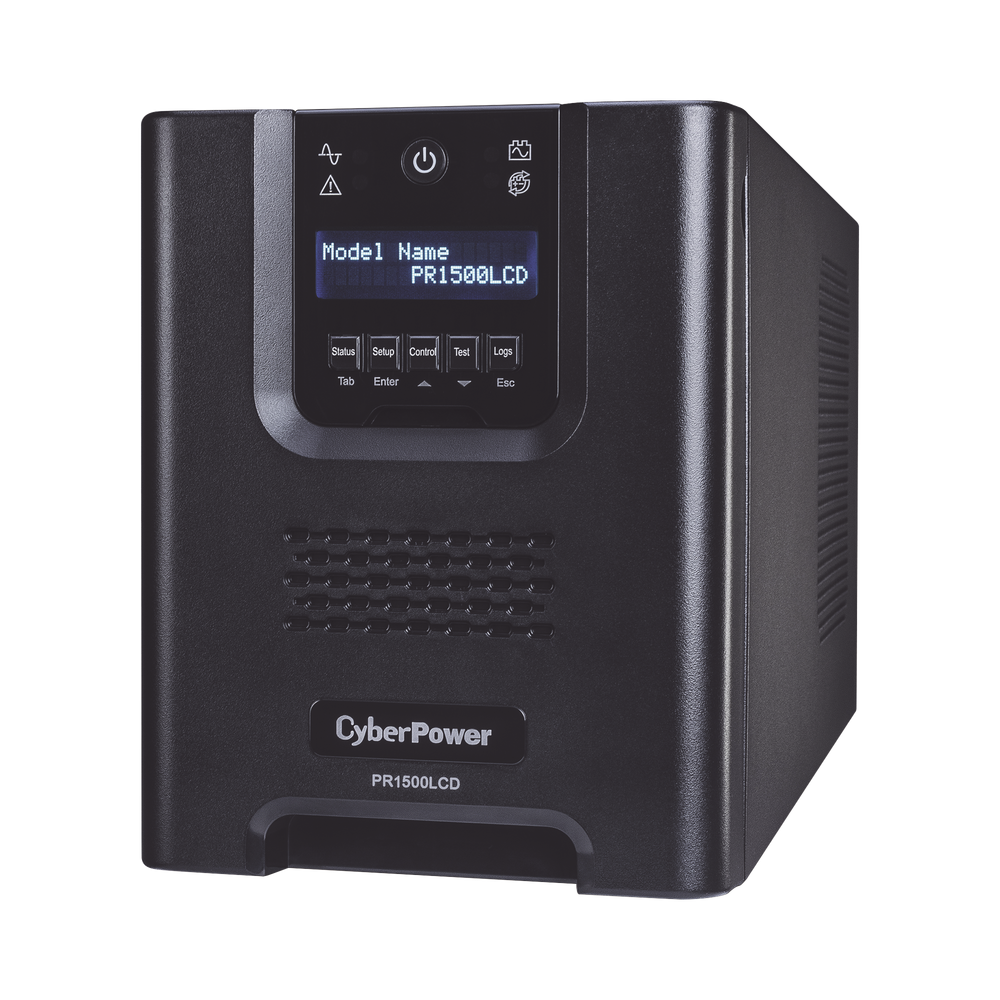
Technica Solutions Inc. is an authorised reseller of PROLINK UPS systems. Here's a quick reference for common scenarios:


| Scenario | Load Estimate | Recommended Model |
|---|---|---|
| 1–2 workstations + switch | 500 – 800W | PROLINK PRO800QS (1000VA) |
| Small office server room | 1,200 – 2,000W | PROLINK PRO800QS (2000VA) |
| Mid-range rack equipment | 2,500 – 4,000W | PROLINK PRO800QS (3000VA) |
| Full server room (2–4 racks) | 5,000W+ | PROLINK PRO800QS (6000VA) or PRO800QL (10000VA) |
All PROLINK line-interactive models include AVR (Automatic Voltage Regulation), which handles voltage fluctuations common in Philippine commercial power — an often-overlooked feature that protects equipment even when the battery isn't engaged. For a deeper look at what AVRs do and when a standalone unit is the right call, see Does Your Office Need an AVR? The Philippine Business Guide.
Common Mistakes to Avoid
Forgetting non-IT loads. Cooling equipment (PAC units, rack fans) draws significant current. If your server room cooling runs on the same circuit, include it in your load calculation.
Ignoring the UPS's own heat output. A 3000VA UPS in a sealed room will raise ambient temperature. Plan your cooling capacity accordingly.
Skipping periodic battery testing. UPS batteries typically last 3–5 years. A battery that reads "charged" can still fail under load. Schedule annual load tests.
Not accounting for future growth. If you're adding servers in the next 12 months, size your UPS for the projected final load — not today's load.
Next Steps
If you're unsure which configuration is right for your environment, our Power Systems team can conduct a load audit and recommend the right solution — including installation, AVR integration, and a preventive maintenance plan. Once your UPS is deployed, consider pairing it with a Picobox REX facility monitoring controller for real-time SMS and email alerts on load levels, battery status, and environmental conditions.
Talk to our Power Systems team →