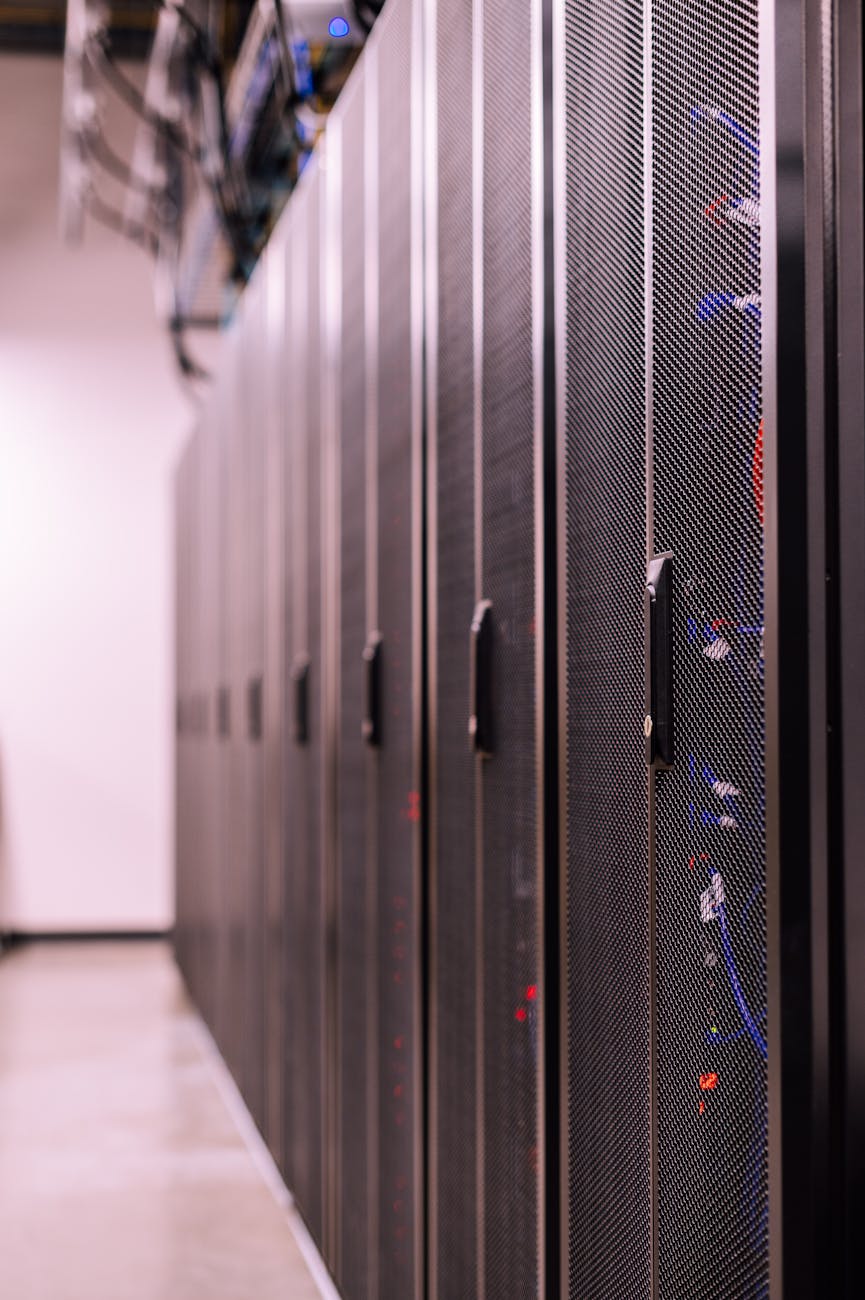
Generator vs UPS for Philippine Offices: Which Backup Power Solution Do You Actually Need?
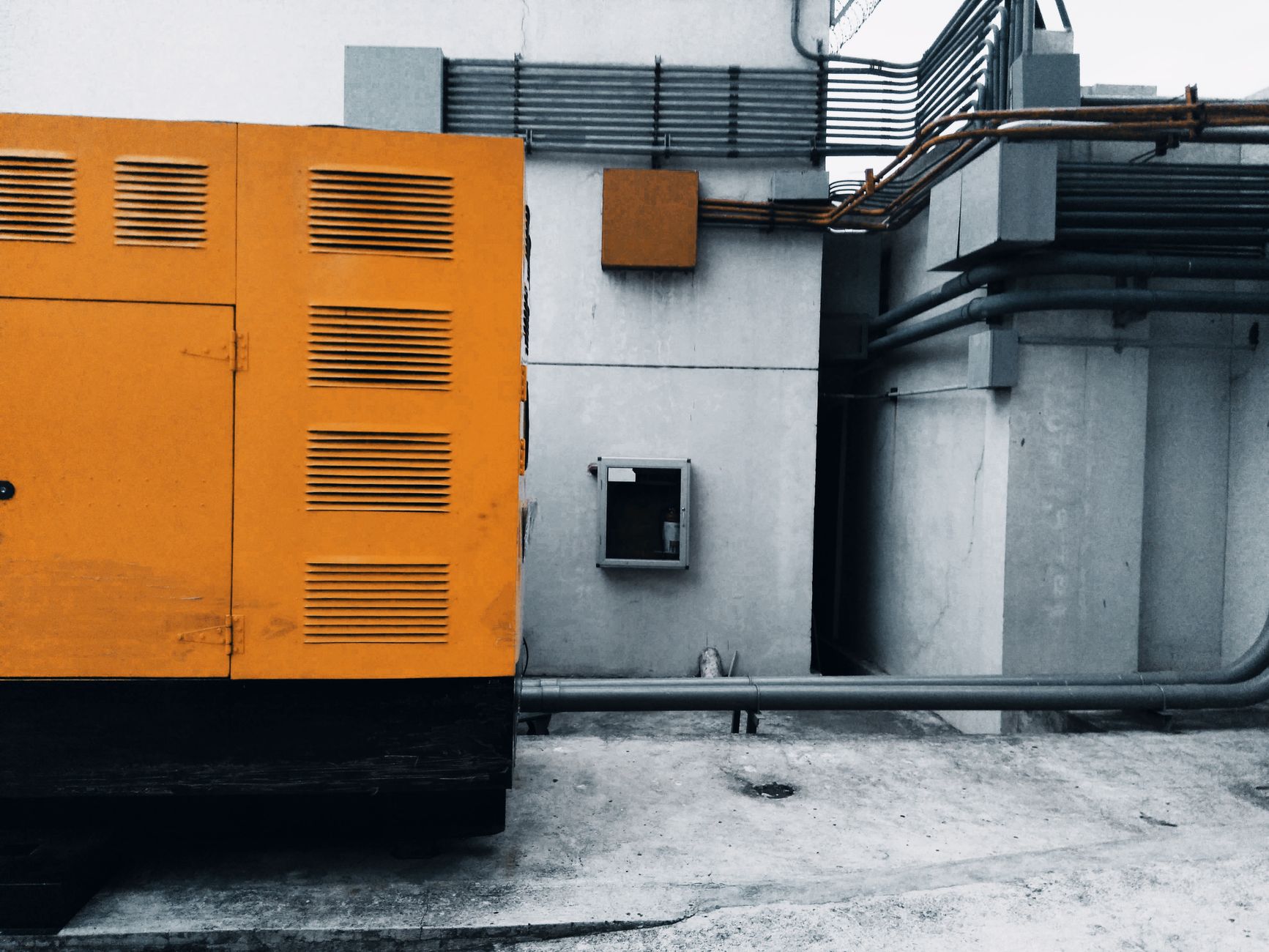
A UPS saves your work when the power blinks. A generator keeps your business running when Meralco announces a 4-hour rotational brownout.
They solve different problems — and the confusion between them leads Philippine businesses to buy the wrong solution, or worse, deploy one when they need both.
Here's how to decide which backup power solution your office actually needs, based on what you're protecting and how long you need to keep it running.
The Core Difference: Seconds vs Hours
What a UPS Does
A UPS (Uninterruptible Power Supply) is a battery-backed power buffer that sits between your equipment and the wall outlet. When grid power fails, the UPS switches to battery power in milliseconds (or instantly, in online/double-conversion models).
Runtime: 5-30 minutes (standard consumer/SMB UPS with internal batteries)
Primary purpose: Bridge brief outages and provide enough time to save work and shut down gracefully
What it protects against:
- Momentary power loss (0.1-5 seconds) — the most common Philippine grid event
- Voltage sags/brownouts
- Voltage spikes/surges
- Frequency variations
- Data loss from unexpected shutdown
What it does NOT do:
- Run your office for hours
- Power air conditioning or heavy loads
- Start automatically when you're not present (it depletes batteries, then shuts down)
What a Generator Does
A generator is a fuel-powered engine that generates AC electricity when grid power fails. It must be started (manually or automatically), warmed up (10-30 seconds), and stabilized before load can be applied.
Runtime: Hours to days (limited only by fuel supply)
Primary purpose: Keep operations running during extended outages
What it protects against:
- Outages lasting 30 minutes to multiple hours
- Scheduled rotational brownouts (common in Visayas, Mindanao)
- Grid failures during typhoons or infrastructure damage
What it does NOT do:
- Respond instantly (10-30 second startup delay)
- Protect against brief power blinks (equipment reboots during the startup gap)
- Provide clean power during the first few seconds after startup (voltage/frequency instability)
When You Need a UPS Only
A UPS alone is sufficient when:
Your primary risk is brief outages (0-15 minutes)
Metro Manila, Makati CBD, BGC, and other Tier 1 urban areas experience frequent momentary interruptions (1-30 seconds) but rarely sustained multi-hour outages outside of typhoon season.
Use case: A law firm in Makati protecting workstations and a file server. Outages are typically under 5 minutes. The UPS keeps computers running long enough to save open documents and shut down properly.
Recommended: 1000-1500VA line-interactive UPS per workstation group, 3000VA+ for the server
Your goal is preventing data loss, not maintaining operations
If a power outage means "staff go home early" rather than "business stops and money is lost," you don't need to keep everything running — you just need to avoid corrupted files and unsaved work.
Use case: A graphic design studio. When power fails, designers save their work, shut down properly, and resume when power returns. No transactions are interrupted, no clients are affected.
Recommended: 600-1000VA UPS per workstation
You're protecting sensitive electronics that cannot tolerate power interruptions
Medical equipment, networking gear, and server infrastructure require continuous power. Even a 1-second gap can trigger a full system reboot, losing active sessions and in-progress transactions.
Use case: A small ISP's core router and switches. A 10-second power blink forces a full network restart, dropping hundreds of customers offline for 5-10 minutes while equipment reboots.
Recommended: Online/double-conversion UPS (1500-3000VA depending on load)
Budget constraints rule out generator investment
A generator suitable for a small office (5-10 KVA) costs PHP 80,000-PHP 250,000 plus installation, fuel storage, and maintenance. A UPS costs PHP 5,000-PHP 25,000.
If capital budget is limited and outages are infrequent, a UPS delivers the most protection per peso spent.
When You Need a Generator Only
Generators alone (without UPS) are appropriate only in specific scenarios:
You're powering non-sensitive loads that tolerate startup delay
Examples:
- Warehouse lighting and fans
- Retail store lighting (not POS systems)
- Construction site tools
- Residential backup (lights, fans, refrigerator)
These loads don't care about the 10-30 second startup gap or initial voltage instability.
Your critical equipment is already on UPS
If your servers and networking equipment are UPS-backed, the generator only needs to power non-critical loads like aircon, lighting, and office equipment. The UPS handles the sensitive stuff.
Use case: A data center where all IT equipment is on centralized UPS. The generator powers the building (aircon, lighting, security) but the servers never see generator power directly.
Outages are measured in hours, not minutes
In provincial areas or during typhoon season, outages can last 4-12 hours or longer. A UPS battery is exhausted in the first 30 minutes. The generator is the only viable solution for sustained operation.
Use case: A rural government office that must process birth certificates, permits, and land titles during scheduled 6-hour rotational brownouts. The generator keeps PCs, printers, and aircon running all day.
Recommended: 10-15 KVA diesel generator with Automatic Transfer Switch (ATS) for unattended operation
When You Need Both (UPS + Generator)
The majority of Philippine SMEs fall into this category:
Your equipment is sensitive AND outages exceed UPS runtime
Problem: The UPS prevents data loss during brief blinks, but the generator is needed when outages stretch past 30 minutes. However, the generator takes 10-30 seconds to start — the UPS must bridge that gap.
Solution: Generator + UPS integration where the UPS provides instant backup, and the generator takes over after it stabilizes.
Architecture:
Grid → Automatic Transfer Switch (ATS) → UPS → Critical Equipment
              ↓
          Generator
When grid fails:
- UPS switches to battery instantly (0ms interruption)
- Generator starts automatically (10-30 seconds)
- ATS switches from grid to generator (UPS continues running on battery during the switch)
- UPS switches from battery to generator power (equipment never lost power)
Use case: An accounting firm processing payroll during the 15th/30th rush. Power blinks are common, but outages can last 1-2 hours during peak load shedding. The UPS prevents work-in-progress loss, and the generator keeps operations running until grid power returns.
Recommended: 1500VA line-interactive UPS + 10 KVA generator + ATS
You're running 24/7 operations
Examples:
- ISPs and telco equipment
- Security/CCTV systems
- Medical clinics
- E-commerce warehouses with active order processing
- BPO call centers
Downtime is not an option. The UPS handles instantaneous transfer, and the generator provides unlimited runtime.
Your area experiences both brief blinks AND extended outages
Cebu, Davao, and many Visayas/Mindanao cities see:
- 5-10 brief interruptions per day (0.5-5 seconds each)
- 1-2 extended outages per week (30 minutes to 3 hours)
A generator alone exposes equipment to the brief blinks (every blink = reboot). A UPS alone runs out of battery during the extended outages.
Solution: Both. UPS handles the blinks; generator handles the long cuts.
Cost Comparison (Typical Philippine SME)
| Solution | Upfront Cost | Monthly OpEx | Best For |
|---|---|---|---|
| UPS only (3× 1500VA for office) | PHP 30,000-PHP 50,000 | PHP 500 (battery replacement fund) | Metro Manila, brief outages only |
| Generator only (10 KVA diesel) | PHP 150,000-PHP 300,000 | PHP 3,000-PHP 5,000 (fuel, maintenance) | Non-sensitive loads, provincial areas |
| UPS + Generator (integrated) | PHP 180,000-PHP 350,000 | PHP 3,500-PHP 6,000 (fuel, battery, maintenance) | Mixed grid conditions, sensitive equipment |
Hidden costs:
- UPS: Battery replacement every 2-3 years (PHP 3,000-PHP 8,000 per unit)
- Generator: Annual servicing (PHP 8,000-PHP 15,000), diesel fuel storage compliance
- Integration: ATS installation (PHP 15,000-PHP 35,000), professional wiring
Decision Framework
Answer these questions to determine what you need:
1. What happens if power fails for 30 seconds?
- Nothing critical is lost → UPS optional (basic surge protection may be enough)
- Unsaved work is lost, but operations resume when power returns → UPS sufficient
- Transactions are lost, customers are affected → UPS required
2. What happens if power fails for 2 hours?
- Staff go home, resume tomorrow → UPS only
- Business operations stop, revenue is lost → Generator required
- Mission-critical systems must stay up → Generator + UPS
3. How often do outages exceed 30 minutes in your area?
- Rarely (< once per month) → UPS only (accept the rare extended outage)
- Occasionally (1-4× per month) → Evaluate cost of downtime vs generator investment
- Frequently (weekly or more) → Generator required
4. What's your tolerance for power-on delay?
- 10-30 seconds is acceptable → Generator alone may work (for non-sensitive loads)
- Zero tolerance (servers, networking, POS) → UPS required (with or without generator)
5. What's your budget?
- Under PHP 50,000 → UPS only
- PHP 50,000-PHP 150,000 → High-capacity UPS or small generator (choose based on runtime needs)
- PHP 150,000+ → UPS + Generator integration
Common Mistakes to Avoid
Mistake 1: Buying a generator when you needed a UPS
A client buys a PHP 120,000 generator to protect office workstations from "brownouts." The generator works perfectly — but every brief power blink (the actual daily problem) still reboots all the computers because the generator takes 15 seconds to start.
Fix: UPS for instant backup; generator only if outages exceed UPS runtime.
Mistake 2: Buying a UPS when you needed a generator
A rural government office buys a 1500VA UPS thinking it will keep them running during 4-hour scheduled brownouts. The UPS dies after 20 minutes, and staff still can't work.
Fix: Generator for sustained operation; UPS only for instant backup during brief events.
Mistake 3: Buying both but connecting them incorrectly
A business buys a generator and a UPS but plugs the UPS directly into the generator output without an Automatic Transfer Switch. When grid power fails, the generator starts manually, staff rush to unplug equipment from the wall and plug into the generator — meanwhile, the UPS battery is drained because it was never transferred.
Fix: Proper integration architecture with ATS.
Mistake 4: Undersizing the UPS for generator startup delay
A business buys a UPS with 5 minutes runtime and a generator that takes 20 seconds to start. Sounds fine — except they forgot to account for the ATS transfer delay (another 5-10 seconds) and generator stabilization time (10-15 seconds). Total gap: 35-45 seconds. The UPS must run for 45 seconds + the time it takes to stabilize generator output enough for the UPS to switch from battery to generator input (another 15-30 seconds). The UPS needs at least 10-15 minutes runtime to reliably bridge this gap.
Fix: Size UPS runtime to exceed generator startup + stabilization + ATS transfer by a comfortable margin (minimum 10-15 minutes).
The Right Solution for Most Philippine SMEs
For the typical Philippine office — 10-30 employees, servers, networking equipment, and workstations — the optimal solution is:
Metro Manila / Tier 1 cities: Line-interactive UPS only (1500VA per critical equipment group). Add generator only if outages regularly exceed 30 minutes or if business operations cannot tolerate any downtime.
Provincial areas / Visayas / Mindanao: UPS + Generator integration. Outages are both frequent (brief blinks) and sustained (multi-hour rotational brownouts). UPS handles the blinks; generator handles the long cuts.
Remote/rural locations: Generator + minimal UPS. Generator for sustained power; small UPS (600-1000VA) only for the most critical equipment (server, router, POS).
Technica Solutions Inc. designs backup power architectures tailored to Philippine grid conditions. Our Power Systems team assesses your location, grid reliability, equipment sensitivity, and budget to spec the right solution — whether that's UPS only, generator only, or integrated UPS+generator with proper ATS setup.
We handle everything: site survey, load calculation, equipment specification, installation, testing, fuel storage compliance, and preventive maintenance on a scheduled cycle.
Talk to Our Power Systems Team